

 English
 简体中文
简体中文 Español
 हिन्दी
 العربية
 Português (Brasil)
 Français
 Русский
 日本語
日本語 Deutsch
 Bahasa Indonesia
 한국어
한국어 Türkçe
 Italiano
 Tiếng Việt
 ไทย
ไทย বাংলা
বাংলা اردو
اردو فارسی
فارسی Polski
 Українська
 Nederlands
 Bahasa Melayu
 Filipino
 繁體中文
繁體中文 Română
 Ελληνικά
 Čeština
 Magyar
 Svenska
 עברית
עברית Қазақша
 Oʻzbekcha
 Azərbaycanca
 Kiswahili
 Dansk
Dansk Suomi
Suomi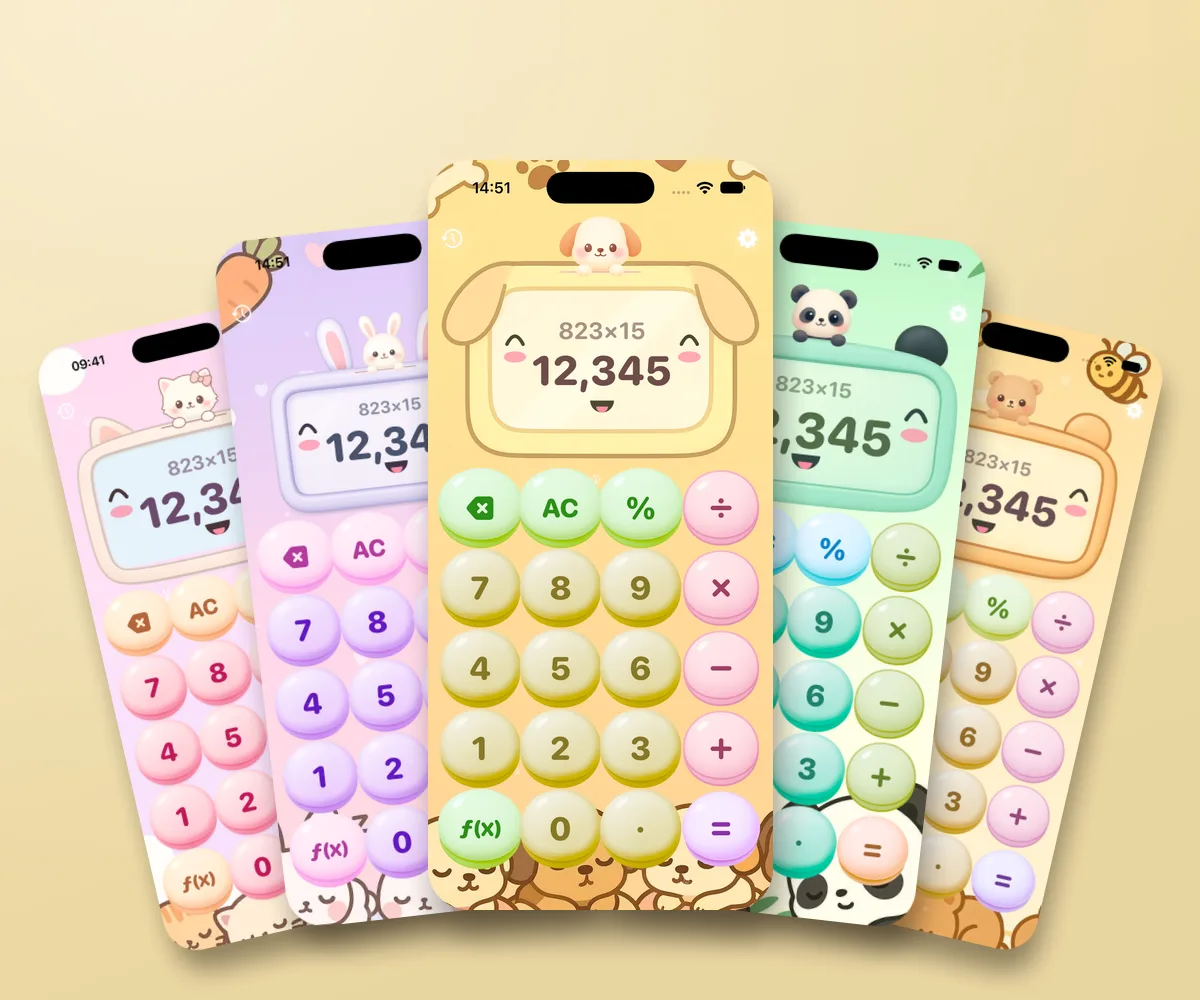
10 themes · 2 free
Critters
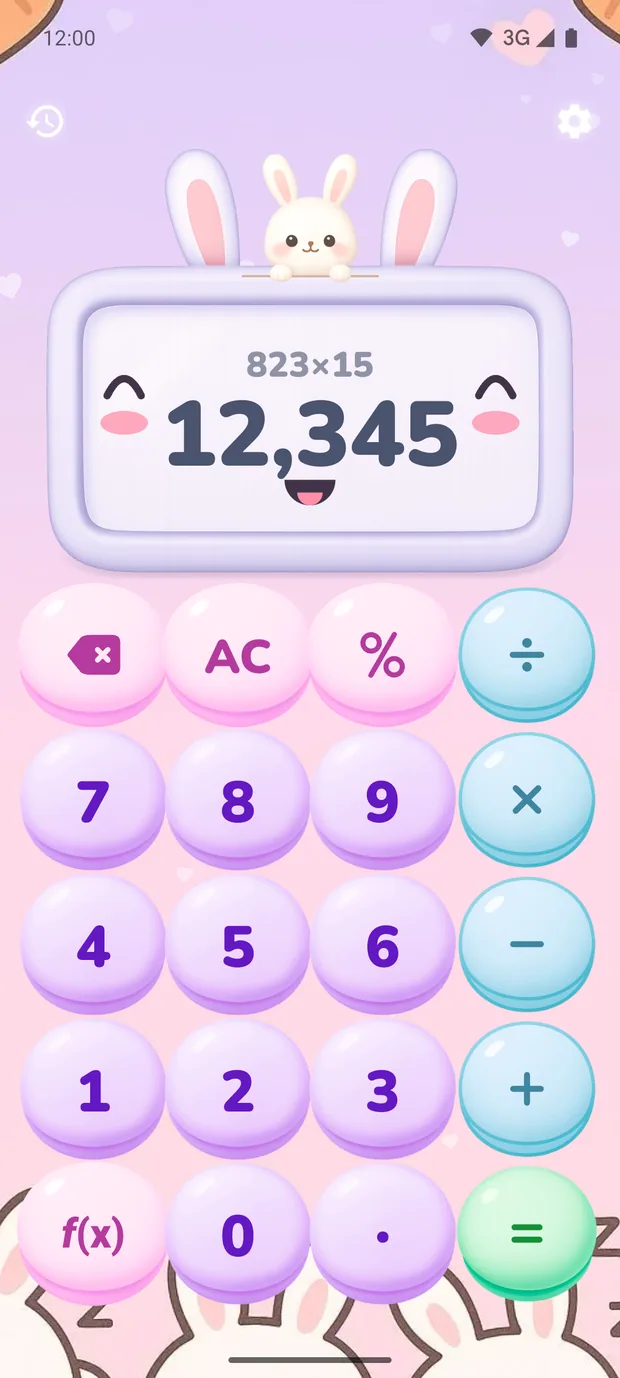
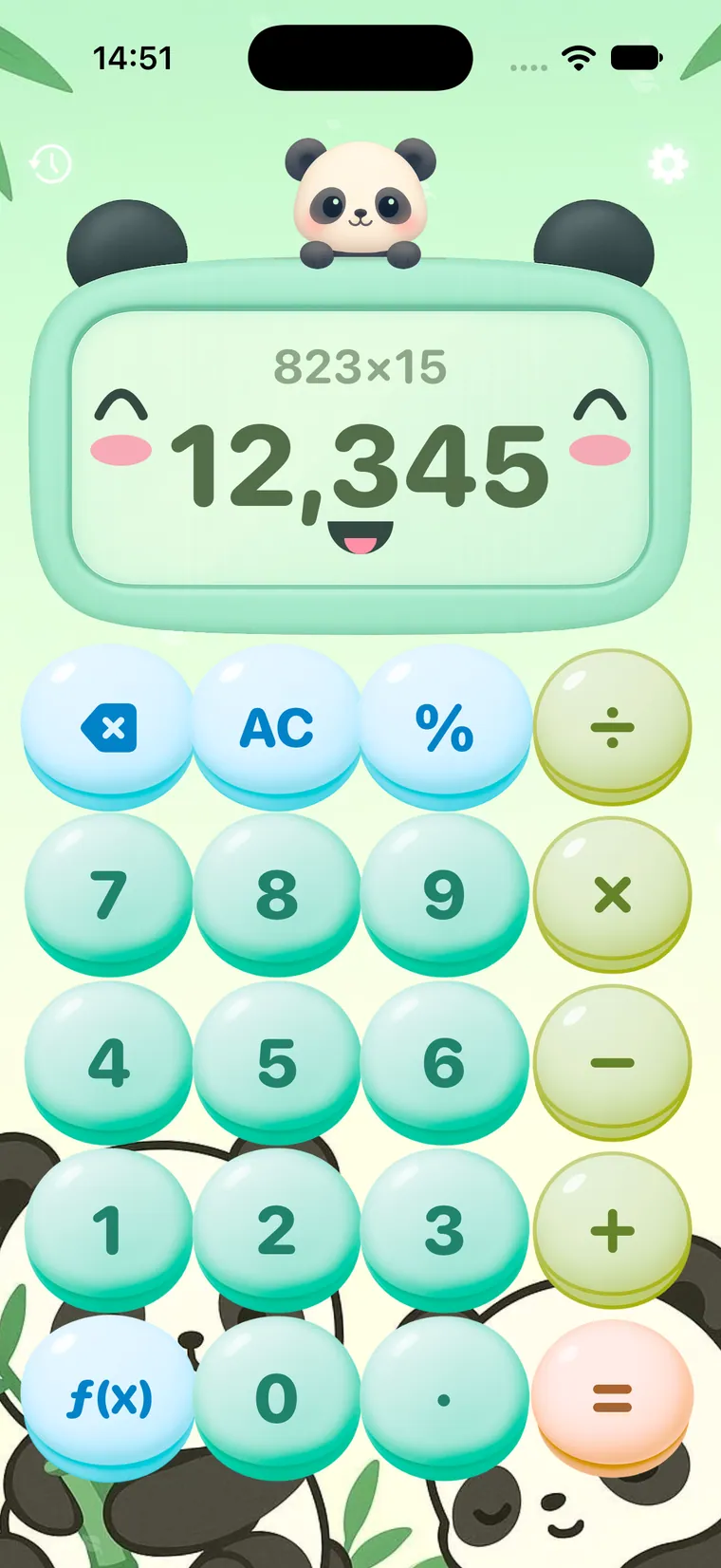
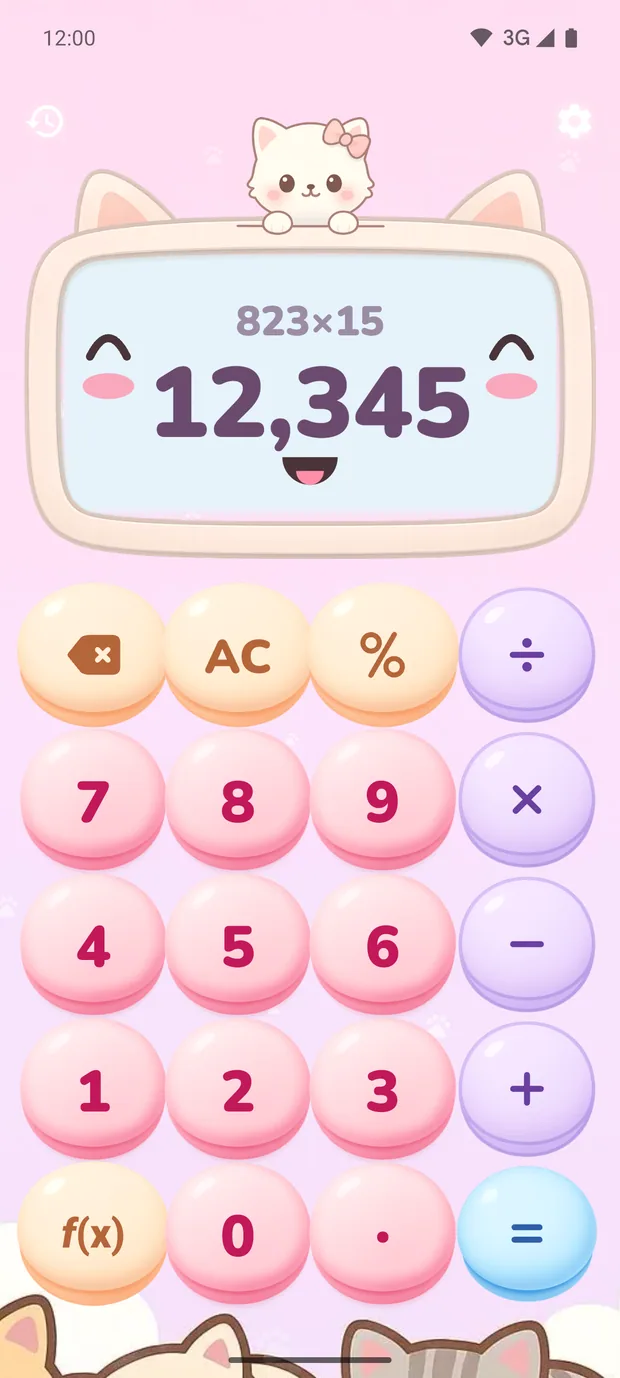
Ten little animals in kawaii style peek out from behind the display: a cat, bunny, puppy, panda, bear, fox, penguin, hamster, frog and unicorn.
The display is the animal's face: it smiles at your result and squints while you calculate. The buttons are round and plump like gumdrops, and the whole gang naps at the bottom of the screen. This is a calculator in kawaii style, the cute Japanese look where everything is soft, pastel and a little silly.
This is our most playful and most loved collection. The cat and the bunny are free, and Premium unlocks the rest.
Each animal gets a whole theme to itself: the cat has pink paws on the buttons and a purring tap sound, the frog has green bubbles, the penguin has snowflakes that fall while you calculate. The face on the display changes expression: it winks, looks surprised at big numbers, and cheers when you solve a problem.
Animals are most often picked for kids, since they make it easier to talk someone into a couple of math problems, and for yourself, when you'd like everyday expense counting to be a little more fun. You can switch themes any time in the gallery: the calculator changes outfits instantly, and your history stays right where it was.
The “Critters” collection includes these themes: Kitty, Bunny, Puppy, Panda, Bear, Fox, Penguin, Hamster, Frog, Unicorn.
Themes in the “Critters” collection
Tap a theme to see it in full
In hand and on devices

FAQ
How many themes in the “Critters” collection are free?
Of the 10 themes, 2 are free: Kitty, Bunny. Premium unlocks the rest. It's a one-time purchase, not a subscription, and it opens all 238 Calcie themes along with them.
How do I turn on the “Kitty” theme?
Open Calcie, tap the settings icon and choose “Themes”. Find the “Critters” collection and tap the theme. The calculator changes outfits right away, and your calculation history stays put.
Do the “Critters” themes work on iPad and Mac?
Yes. Calcie themes look the same on iPhone and iPad, and on a Mac with Apple Silicon the app runs in its iPad version.
Can I make my own theme or change the button color?
Not yet: we draw every theme as a whole, with buttons, font, background, sound and animation, so everything goes together. But there are already 238 themes, and the collections keep growing. If a certain mood is missing, write to us. Maybe the next theme will be yours.
Does anything change besides the look?
A theme changes everything you can see and hear: the shape and color of the buttons, the digit font, the background, the tap animation and the sound. Your calculations, history and settings stay the same. The calculator just changes outfits.
Get Calcie
238 designs in twenty collections. In each collection the first themes are free, and Premium unlocks the rest, once and for all.